🎬 Getting Started Tutorials
|
This is the full library of help videos for getting started. Please watch these and see how BoothPoint works first hand.
|
|
Back Office Overview
In this tutorial we will show how to start BoothPoint up from the desktop and start a new session – how quick and simple it is. Time: 01:43
|
|
Staff Overview
In this short help video, I’ll be showing you how to manage your staff members and their contracts, ID and permissions.
Time: 06:51
|
|
Dancers Overview
In this help video, I’ll be showing you how to manage your dancers, their contracts, IDs and general information.
Time: 08:21
|
|
Products Overview
In this help video, I’ll be showing you how to manage your products and what all the different product types are.
Time: 09:39
|
|
POS Overview
In this help tutorial video, I’ll be giving you an overview on how the BoothPoint POS system works. Time: 05:54
|
|
Membership
In this short help video, I’ll be showing you how to manage your members and their contracts, ID and permissions.
Time: 05:23
|
|
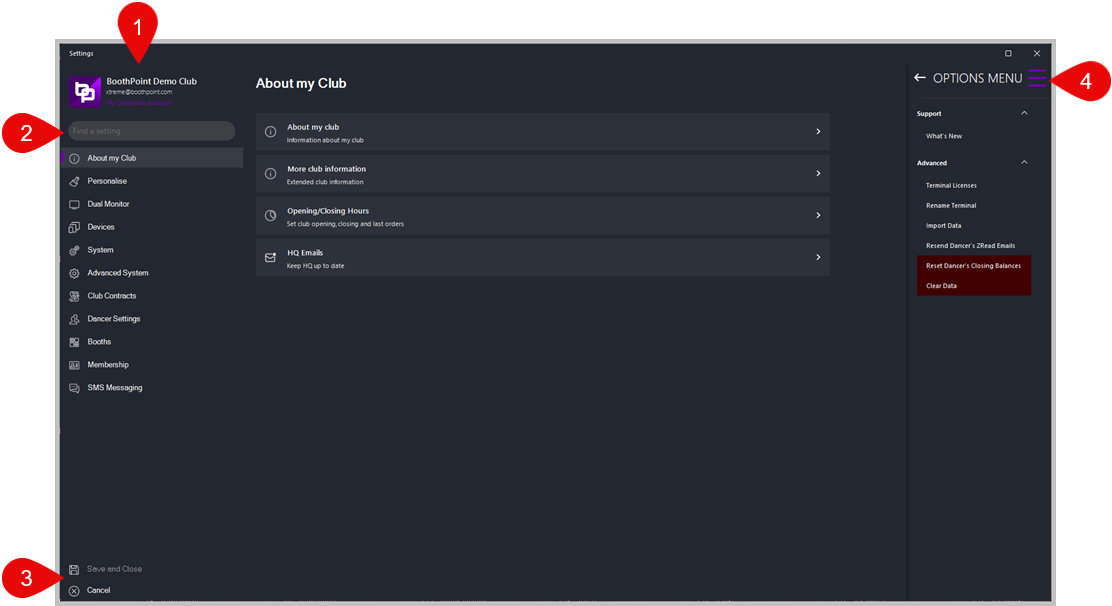
Options
CLick this image to open the options overview to see all the options availkable to you in BoothPoint.
Time: --:--
|
|
Viewers
In this short help video, I’ll be showing you how to use the Bar Tab Viewer.
Click here to watch all the viewer help tutorials >>> Time: 01:43
|
|
Reports
In this short help video, I’ll be showing you how the report section works in BoothPoint.
Time: 03:19 |
|
|
|
|