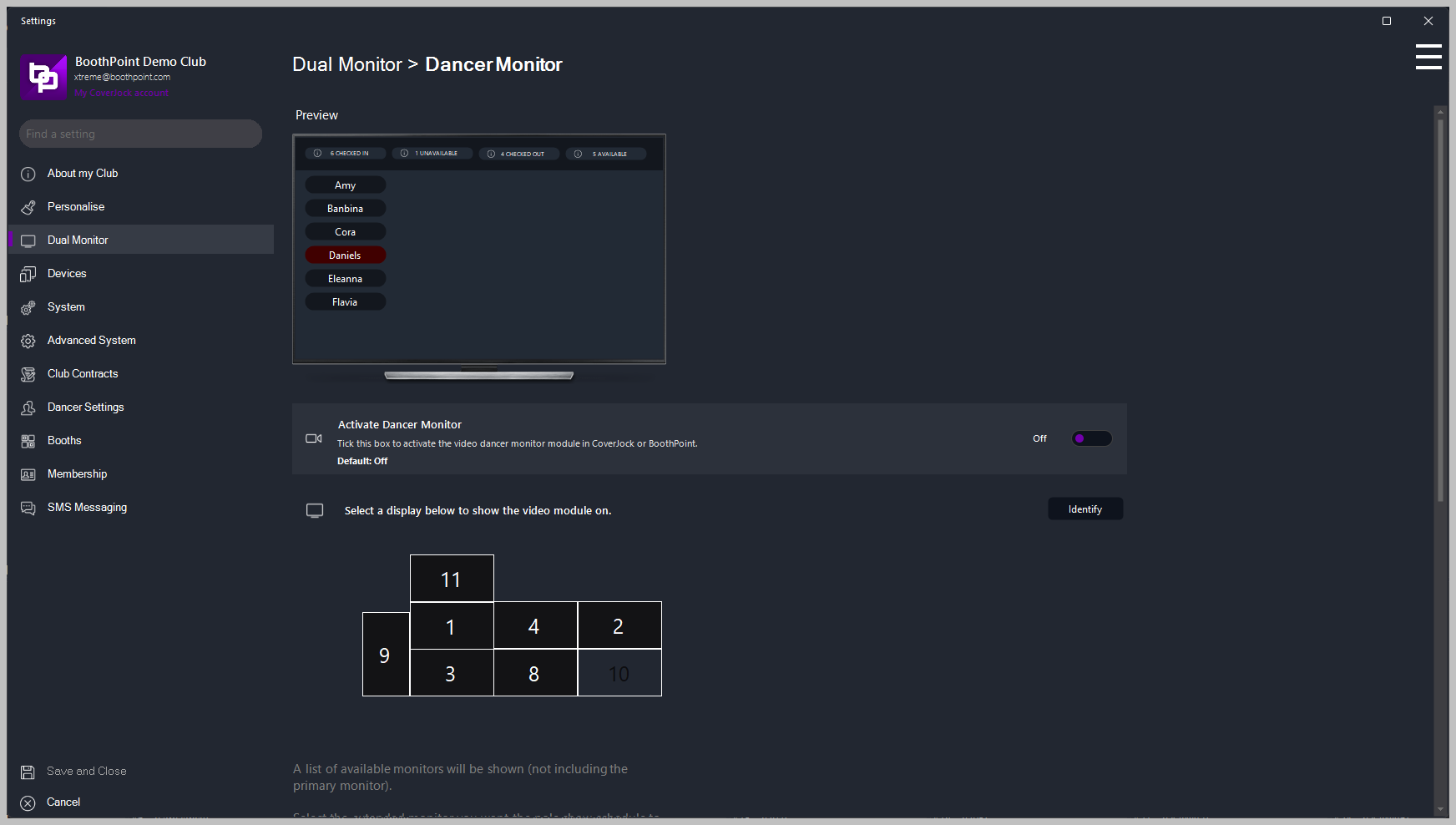
Display on another monitor a list of checked-in dancers indicating if they are available or unavailable.
Below is list of the options you will find in the advanced options section:
Setting
What it does
Options
Activate Dancer Monitor
Tick this box to activate the video dancer monitor module in CoverJock or BoothPoint.
On Off (default)
Select which monitor to use for your video
A list of available monitors will be shown (not including the primary monitor). Select the extended monitor you want the video player to be displayed on.