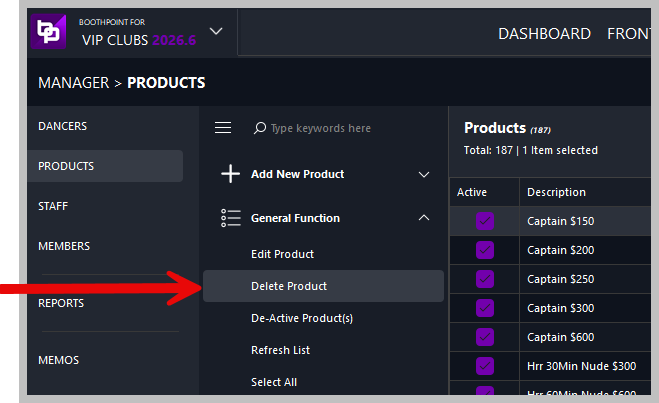
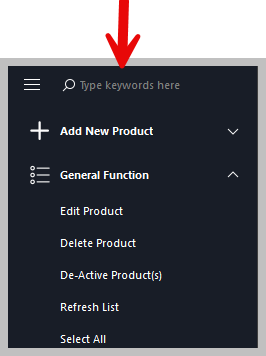
Delete Products
|
This section explains how to delete, deactivate, or restore products in BoothPoint. Products include dances, drinks, food, memberships, fines, stage shows, and other items available for sale. 🧭 Accessing Product Management
📂 Navigation
🔎 Finding Products to Delete
🧩 SearchUse the search box on the left to find the product you want to delete. Search includes description, product type, and price. 👥 Selecting Multiple Products
🗑️ Deleting Products🧍♀️ Delete a Single Product
👥 Delete Multiple Products
⚠️ Confirmation MessageA message will appear: Are you sure you want to delete the selected products (6)? The number in brackets shows how many products are selected. Select Yes to proceed or No to cancel.
♻️ Restoring ProductsIf a product was deleted by mistake or needs to be reactivated, you can restore it easily.
🔄 Accessing the Recycle Bin🧭 Navigation
🔁 Restoring Deleted Products🔧 Restore Process
⚠️ Confirmation MessageA message will appear: Are you sure you want to restore the selected products (6)? Select Yes to restore or No to cancel.
|