Adding & Editing Products
|
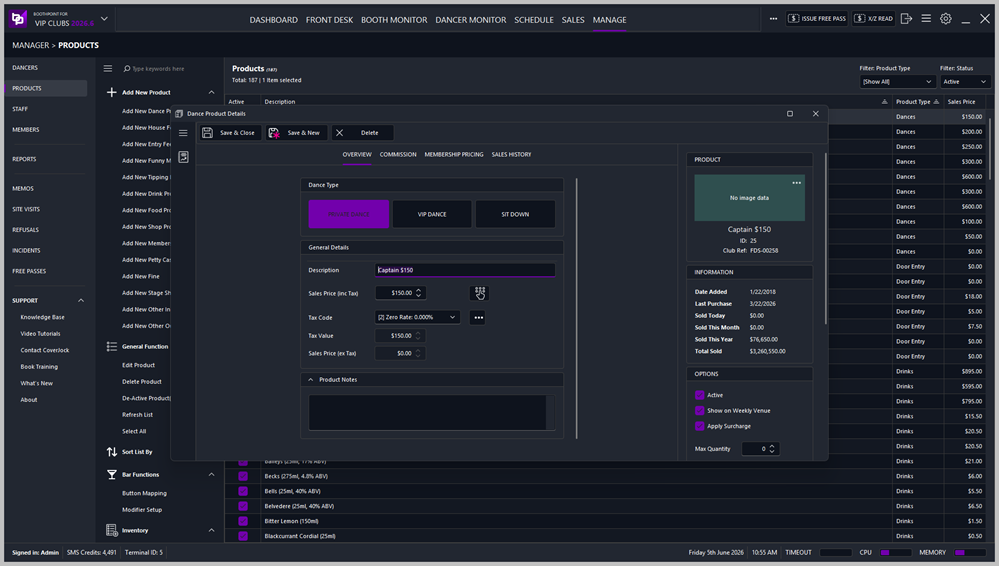
This section explains how to add or edit products in BoothPoint. Products include dances, drinks, food, memberships, petty cash, fines, and more.
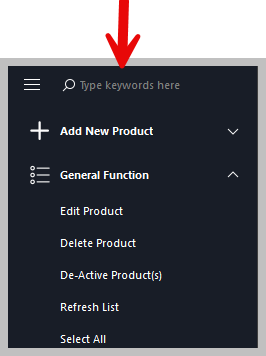
🧭 Accessing Product Management📂 Navigation
Each option opens a product‑specific form with fields and tabs relevant to that product type. 📝 Editing an Existing Product🔎 Searching for a Product
🧾 Product Tabs and Fields🗂️ Overview TabThis tab contains the main product information:
Depending on the product type, additional fields may appear:
💰 Commission TabUsed for products that involve dancer or club commission (e.g., Dances, Stage Shows, Funny Money, Tipping Dollar):
🪪 Membership Pricing TabUsed for products that have variable pricing based on membership level:
🧾 Inventory TabAppears on Drinks, Food, and Shop Products:
When stock falls below the trigger quantity, BoothPoint will prompt a reorder. 🎟️ Membership TabUsed for Membership Products:
⚙️ Product Options🧩 Options PanelEach product includes configurable options:
📅 Show on DaysChoose which days the product can be sold:
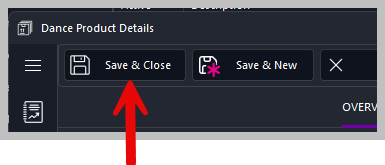
💾 Saving Products
✔️ Save Options
|