🧭 Overview
The Memberships tab allows BoothPoint operators to manage all membership‑related functions directly from the POS terminal.
Members can be located, created, edited, or renewed quickly using the tools provided on this screen.
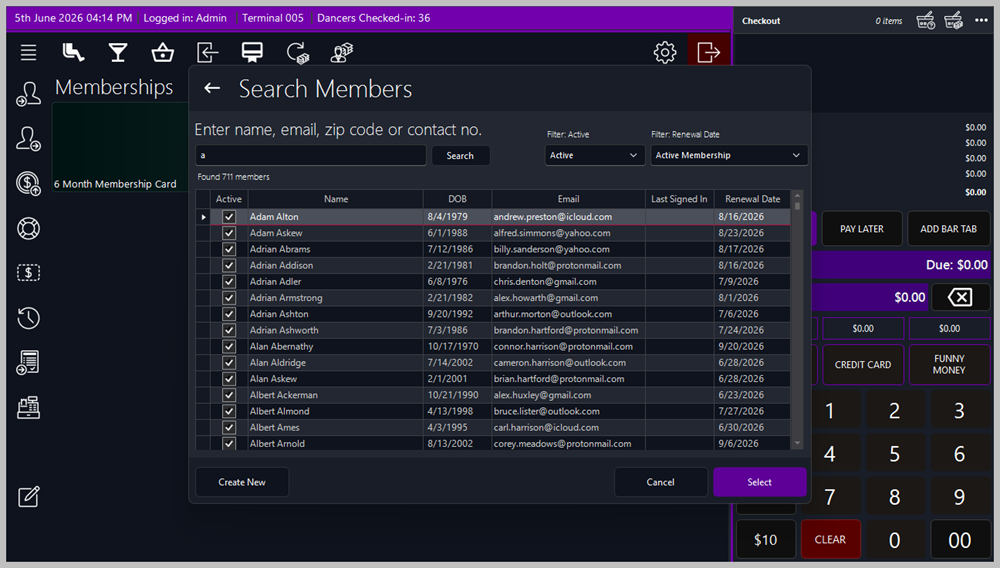
🔍 Finding a Member
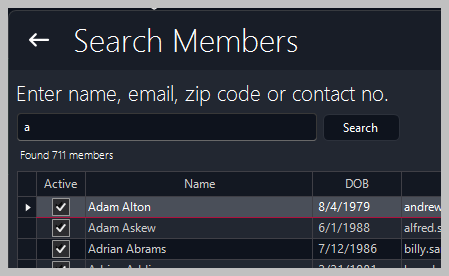
Members can be found using any of the following methods, depending on how the system has been configured:
-
Swipe Card — scan the member’s magnetic card.
-
Fingerprint Recognition — identify the member using biometric login.
-
Scan Driving Licence — automatically retrieve member details from the licence barcode.
These options ensure fast and secure identification at the terminal.
🧭 Available Actions

🪪 Buy a Membership
-
Select a membership product (e.g., 6‑Month Membership Card).
-
Link the membership to an existing member or assign it to a new member.
-
Complete payment through the checkout panel.
✏️ Edit Member’s Profile
-
Tap or click Update Picture or Edit Profile to modify member details.
-
Update contact information, membership type, expiry date, or notes.
🔎 Search for a Member
➕ Create a New Member
-
Tap or click Create Member to open a blank profile form.
-
Enter personal details, assign a membership type, and save.
🏷️ Create a New Membership Product
-
Tap or click Create Membership to define new membership types.
-
Set duration, price, and renewal options.
📸 Update Picture
|

|
Tip
⚙️ Configuration
In Options → Membership Settings, administrators can:
-
Define membership durations and pricing tiers.
-
Enable or disable biometric or card identification.
-
Set renewal reminders and expiry notifications.
🧾 Reporting
Membership sales and renewals appear in:
|
|